
How to Search Cases by Name
Reach the Tyler-hosted Court Search from the official Kaufman County court directory. Use the full spelling found on a filed notice and select the right court when that control is available. The county publishes a browser notice that references Internet Explorer 11, Chrome, and Firefox, so a failed screen may be a compatibility or access problem rather than proof that no case exists.
- Identify the court from the newest case paper.
- Open the county's official Court Search link.
- Enter the exact party name and narrow by court or case type where possible.
- Compare the case style, court, and dates before opening a result.
- Record the search date and contact the clerk if the result is absent or incomplete.
| Field Label | Type | Required | Notes |
|---|---|---|---|
| Location | Selection | Yes | Choose the participating court location in the statewide eFileTexas field model. |
| Case or party | Text | Yes | Official help calls for an exact number or name and states that wildcards are not supported. |
| Go | Action | Yes | Runs the basic query. |
| Advanced Search | Action | No | Opens more controls where the system offers them. |
Kaufman Tyler Portal Status
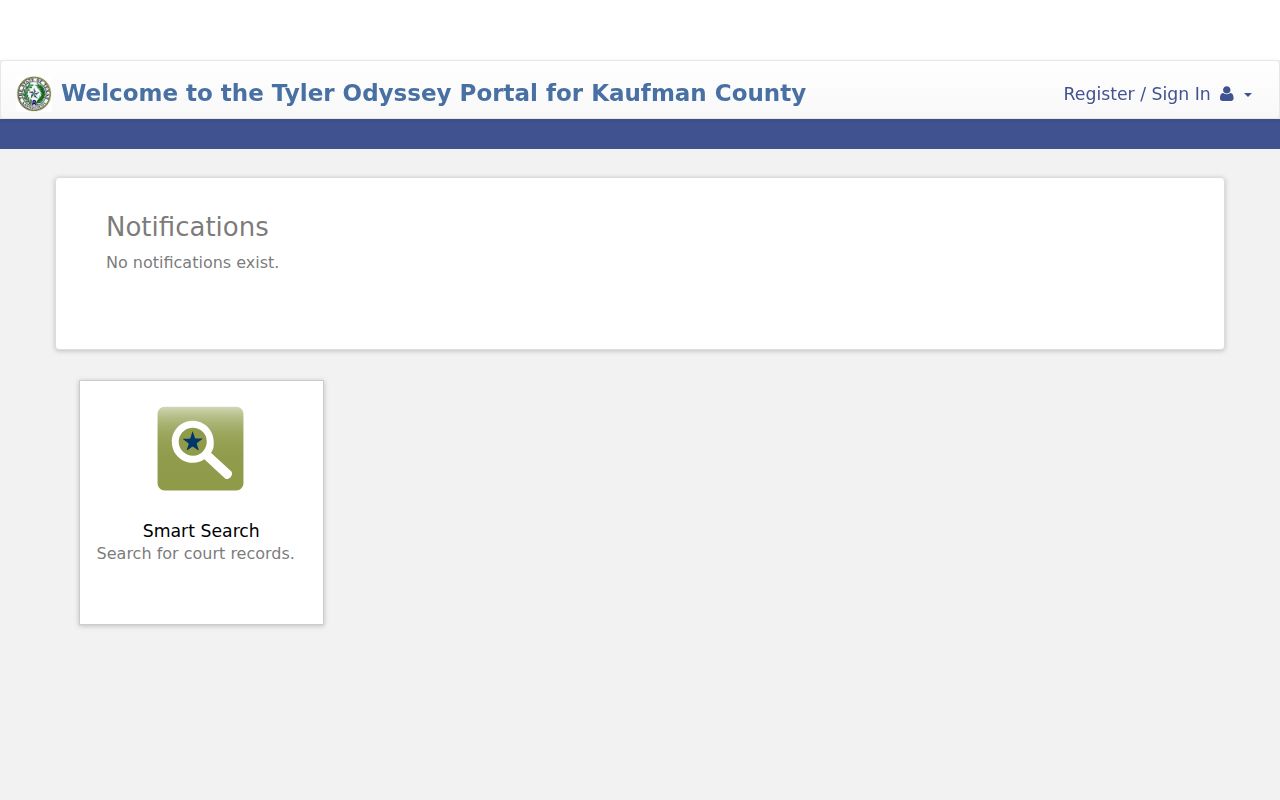
The county links to its Tyler Court Search address, but research capture returned an access block. A 403 response means that the capture was refused. It does not mean the person, cause, or docket does not exist.
The official portal capture illustrates the status a user may encounter.
Retry through the county link and a supported browser. If the result still fails, move to the clerk fallback instead of making a negative inference.
How to Search by Case Number
Copy the Kaufman County cause number exactly, including punctuation, letters, and any court-specific suffix. The research does not confirm one universal format across district, county-law, JP, and municipal systems, so a made-up pattern would misroute a search. Treat EXACT-COURT-CAUSE-NUMBER as an instruction to transcribe the record, not a sample number to reuse.
If exact entry fails, remove only formatting that the official interface tells users to omit. Do not move a district cause into a JP payment portal or assume a city citation belongs in the county system. The issuing court remains the key search field.
Wrong Kaufman Court, No Result
Kaufman County has three district courts, county-level courts, four justice precincts, and separate city municipal courts. Federal matters from the county route to the Dallas Division of the Northern District of Texas. Each layer has its own record path.
| Paper names | Start with |
|---|---|
| District court | District Clerk and county Court Search |
| County court at law | County Clerk and county Court Search |
| JP or city court | That court's clerk or local tool |
| Federal court | PACER for N.D. Texas |
Search by court before widening a name query. That one step cuts false negatives and reduces mismatches between people with similar names.
Kaufman Court Directory First
The county's Courts and Public Safety page is the official starting point for matching a venue to a lookup route.
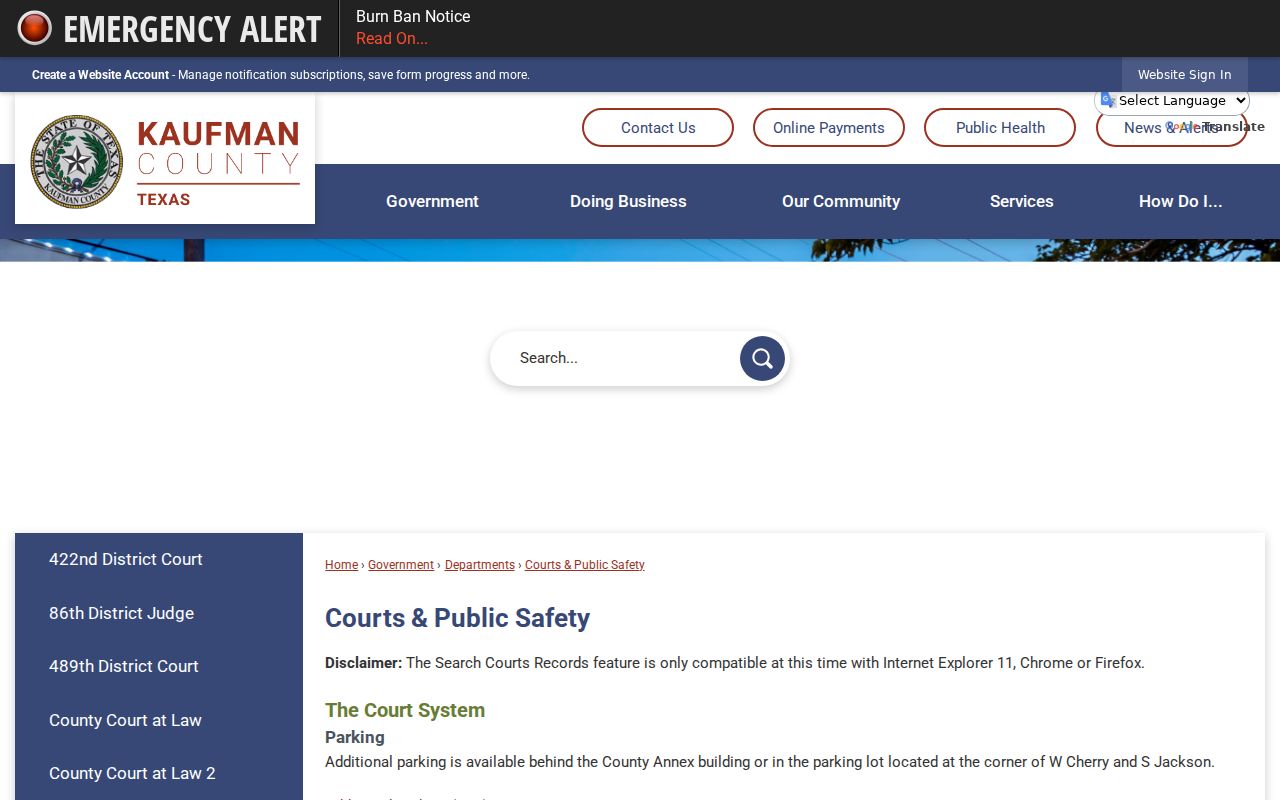
The directory view helps place Court Search within the larger district, county-law, justice, and municipal structure.
What a Case Search Shows
A result can identify a case shell and event history. The visible fields vary by court and access level, but a useful match should connect the cause number, style, court, type, filed date, and status. An event label does not guarantee that the underlying image is open.
| Cause number | The court's unique identifier. |
|---|---|
| Style | The caption used by the court. |
| Court and type | The venue and category needed to verify the match. |
| Dates | Filed date and later event or setting dates. |
| Status | A system label that must be read with the latest docket events. |
Kaufman Search and Filing Differ
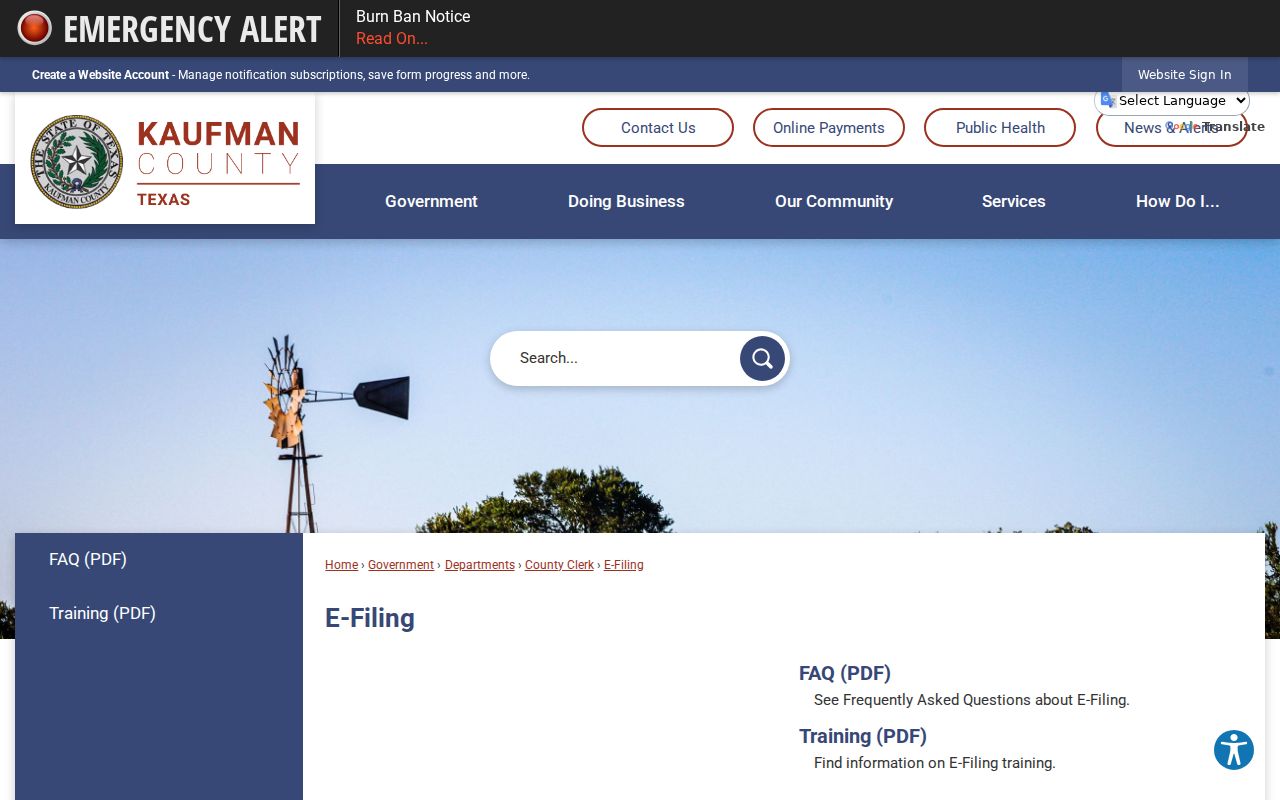
Kaufman County e-filing information routes filers to eFileTexas. Filing sends papers to a court. It is not the same function as browsing a public docket or buying a clerk copy.
The captured county e-filing page shows that separate route.
Keep filing receipts for submission proof, but use Court Search or the clerk to confirm the case event and obtain an official record.
County vs Statewide Case Search
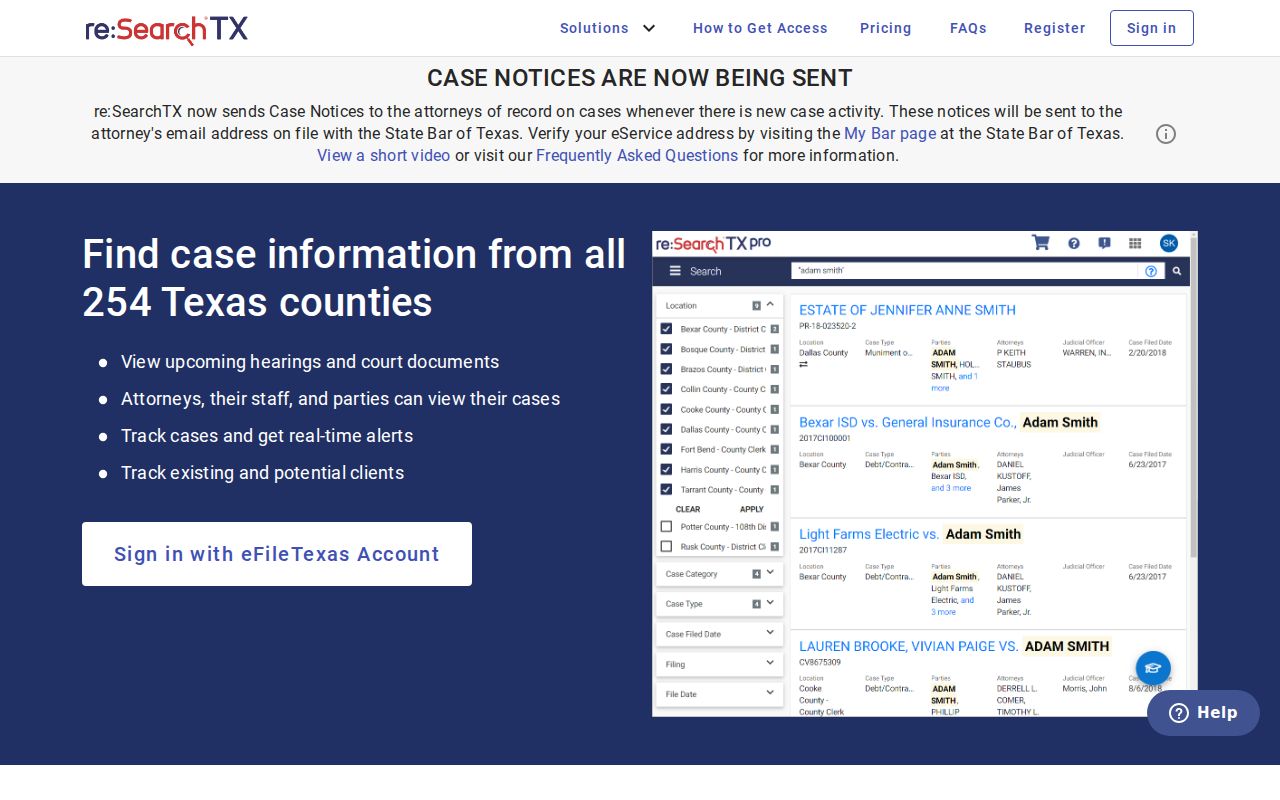
County Court Search is the local Tyler/Odyssey route. re:SearchTX is a separate statewide registered and attorney-access layer for integrated Texas records. One does not guarantee the same coverage, document depth, account rules, or fees as the other.
| re:SearchTX | Kaufman Court Search |
|---|---|
| Participating Texas records | Kaufman County-connected records |
| Registration and role can affect access | Local portal availability can affect access |
| Useful as a statewide layer | Best first route for a known local cause |
If Kaufman Lookup Fails
Write down the portal address, search date, terms used, court selected, and error. Retry exact spelling and the exact cause number. Then call or visit the proper clerk, mail a narrow request, or ask whether a public terminal is available. The District Clerk handles district records, the County Clerk handles assigned county-level files, and lower courts keep their own records.
- Do not treat a 403 response as a no-case result.
- Do not treat a blank county search as proof about a city or JP case.
- Ask for the docket sheet separately from a filed document.
- State the court, cause number, style, and date range in a request.
- Confirm copy and certification fees before ordering.
This fallback chain covers online, phone, counter, mail, and public-terminal access without confusing e-filing with public search.
Restricted Cases and Access Rules
Sealed files, juvenile matters, mental-health records, and protected identifiers may be absent, limited, or redacted. Public status does not guarantee remote document access. A no-result screen therefore cannot prove that a restricted matter does not exist.
Ask the custodian whether a public docket sheet or redacted copy can be released. Judicial administrative records may follow Texas Rule of Judicial Administration 12. Case pleadings and orders remain with the court clerk. The statewide portal image reinforces that account and access layers differ from the county search.
Verify any result with the originating court before using it to describe the status or outcome of a case.