
Getting Kaufman County Court Records
Start by naming the court. The Kaufman County Courts and Public Safety directory links to the county Court Search route, though a hit on that search does not mean every document is online. District Clerk Rhonda Hughey holds the district records. The County Clerk keeps files for the constitutional County Court and the County Courts at Law. Each justice court and municipal court keeps its own lower-court file.
When the web route stalls, use every channel. The county-linked Tyler portal is the online starting point. You can also call the proper clerk, read public material at the counter or a courthouse terminal, or mail a focused request when the office allows email. Statewide re:SearchTX adds a second electronic layer for integrated records. A written request for judicial administrative records follows Texas Rule of Judicial Administration 12. Access to a filed case record, by contrast, is governed chiefly by court rules and the court that holds it.
- Read the case number and court name from the notice, filing, or docket entry.
- Check the county Court Search route or re:SearchTX for an index entry.
- Choose the District Clerk, County Clerk, JP, or city court that owns the file.
- Ask for the docket sheet and each needed document as separate items.
- Confirm copy, certification, mailing, and card fees before payment.
Kaufman County Has Split Custody
No single counter answers every Kaufman County court records request. The District Clerk is the place to start for district records. Those cover district civil, family, juvenile, felony criminal, and related appellate-transmittal records. The County Clerk handles county-level civil, misdemeanor, probate, and other records assigned to that office. JP records stay in the precinct, and city citations stay with the municipal court.
That split explains many blank docket searches. A citation filed in JP2 never becomes a District Clerk file. The event happening in Kaufman County does not change that. The same goes in reverse. A County Court at Law record does not belong with a district-court coordinator. Coordinators manage settings and procedure, while certification remains a clerk function.
Kaufman County District Clerk
1902 E US Highway 175
Kaufman, TX 75142
469-376-4640
Kaufman County Court Record Types
A court file runs wider than its docket. The material can include the chronological docket sheet, pleadings, motions, service returns, hearing notices, signed orders, judgments, and notices of appeal. Criminal files may carry charging and disposition events. Civil files can hold petitions, answers, conference certificates, and orders. Probate and guardianship searches rely on their own name and date details.
The County Clerk lets the public inspect maintained records without charge. Only excluded mental-health and juvenile material falls outside that. For a misdemeanor search, bring the charged person's name. Bring an offense or conviction date within a ten-year span, and the offense type if known. Probate requests use the deceased person's name and approximate death date. Guardianship requests use the person's name and an approximate filing date.
Online Kaufman County Record Limits
Kaufman County links to a Tyler-hosted Court Search portal. The portal's field labels, filters, page controls, and document links may not display in every browser, and the county itself notes browser compatibility for the Court Search link. Treat the link as the county's official route, not a promise that every case document can be downloaded from home.
re:SearchTX is a statewide registered access layer where courts and record types are integrated, and what you can see may depend on the county, account type, document, and restriction. eFileTexas is for filing, not a substitute for the clerk's certified copy. If a search comes up empty, try a supported browser, ask whether a public terminal shows more, and call the clerk rather than treating no web result as proof that no file exists.
The official Kaufman County Court Search page is the county-linked access point.
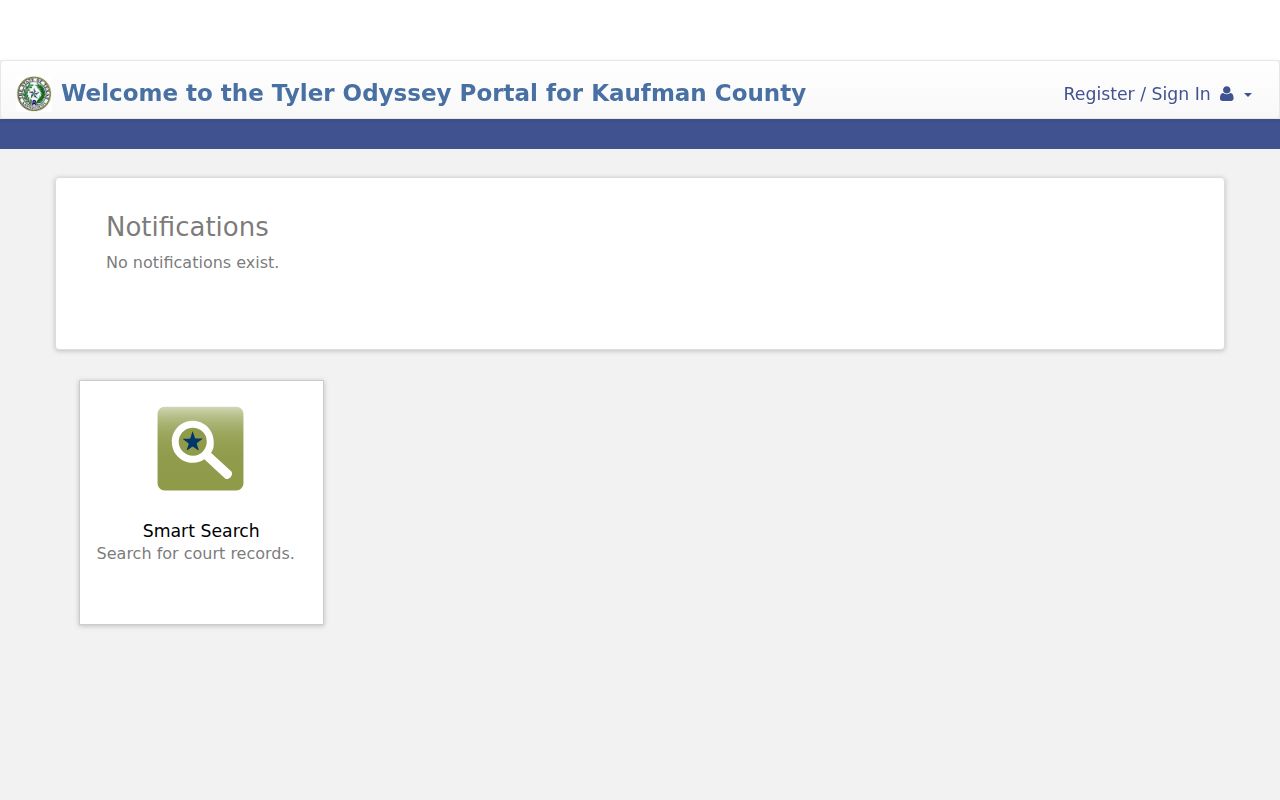
Its role is to locate a case. The clerk remains the source for a complete or certified record.
Inside a Kaufman County Court Record
A docket field and a filed document answer different questions. The docket records that an event occurred. The item behind that entry may carry the full text, a signature, attachments, or a file stamp. When the entry alone is not enough, request both.
| Court and number | Identifies the venue and routes the request to the right custodian. |
|---|---|
| Docket event | Shows a filing, service, setting, reset, ruling, or disposition with an event date. |
| Pleading or motion | Contains the filed request or response, if it is public and available. |
| Order or judgment | Provides the signed ruling rather than a short docket description. |
| Restriction marker | Signals sealed, juvenile, mental-health, or other controlled access. |
The County Court at Law 2 image helps identify one county-level venue.
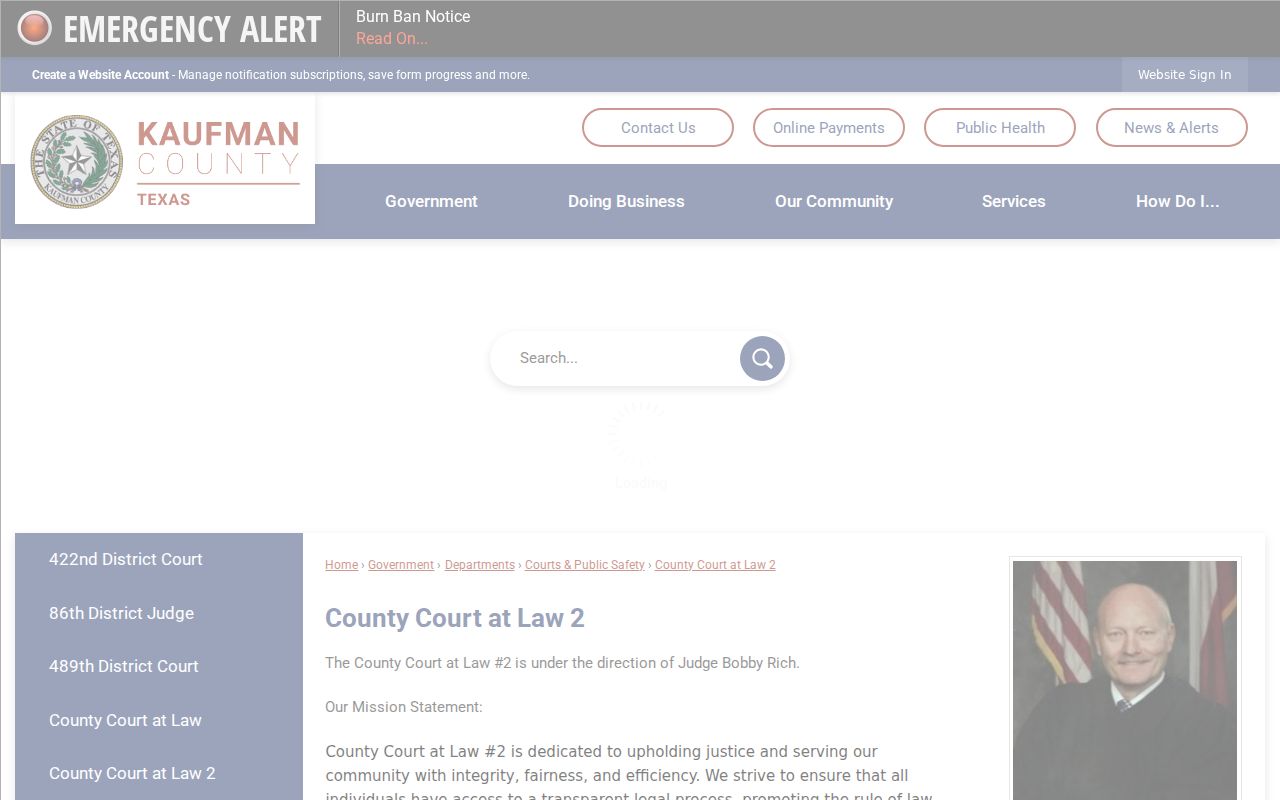
Venue identification matters because county-law records and district records follow different clerk routes.
Kaufman County Mail Request Details
A strong mail request names the court, cause number, case style, document, and approximate filing date. Add a return address, and ask whether postage or certification changes the total. Keep the request narrow. Kaufman County uses separate clerks and lower courts, so broad requests slow routing.
Contact lists disagree on the County Clerk's details. The county's own page lists the Court Division at 469-376-4736 and a Justice Center mailing route through P.O. Box 729. A 2025 state directory instead lists 469-376-4735 and 100 W Mulberry. Confirm the current delivery point before you send payment or original paperwork. The official Searches and Copies page documents the County Clerk request route.
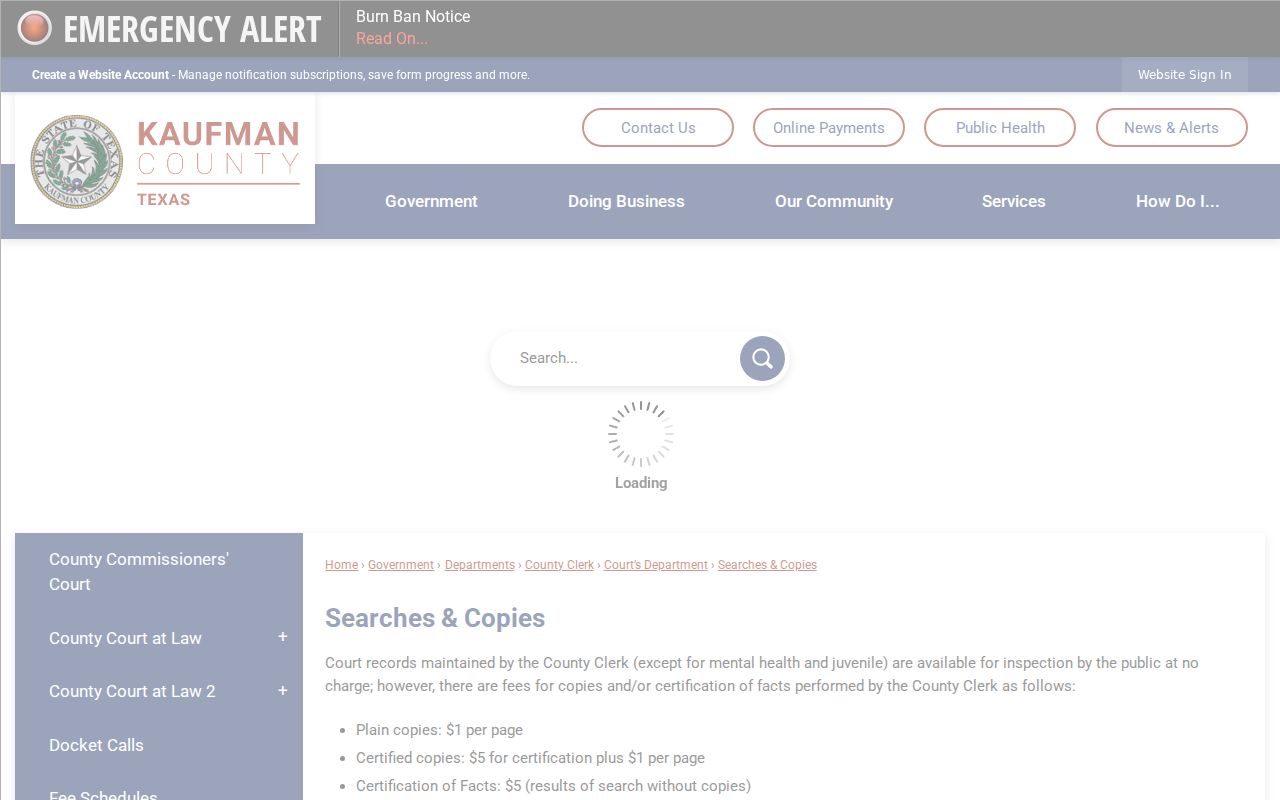
Those instructions should control the request format and current fee calculation.
Kaufman County Copy Fees
Plain copies and certified copies answer different needs. A plain copy simply reproduces the public record, while a certified copy bears the clerk's certification. The County Clerk publishes one fee schedule. JP2 posts a different page-based schedule for its own records, so ask whichever office holds the file to quote the total.
| Custodian and item | Published amount |
|---|---|
| County Clerk plain copy | $1 per page |
| County Clerk certified copy | $5 certification plus $1 per page |
| County Clerk certification of fact or search without copies | $5 |
| JP2 copy | $1 first page, then $0.25 each additional page |
| JP2 certified copy | $2 first page, then $0.25 each additional page |
JP2 charges nothing for emailed copies. Certified copies cannot go out by email, though, and no form promises a processing time or waives the need to describe the record in detail. The County Clerk page names the office that maintains county-level court files.
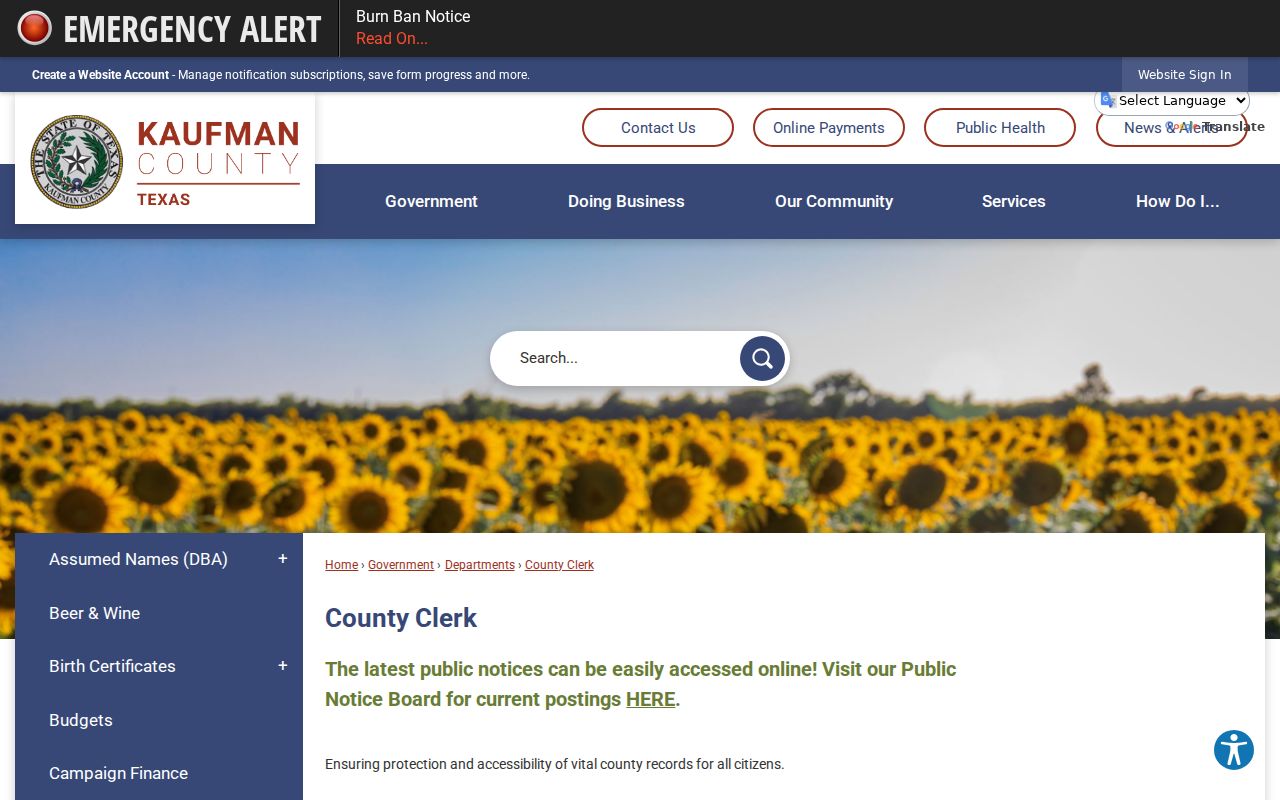
The current clerk page should be checked before an in-person or mailed copy order.
Kaufman County Historical Records
Old filings sit differently in a docket search than new ones. A decades-old Kaufman County court record may live in a paper file, on microfilm, or in another stored format. The clerk must pull that format by hand. So give the clerk real leads. A date range, the likely court, a party or estate name, and a known cause number all help. For historical or genealogy requests, ask for one named document rather than every item tied to a surname. That keeps the search manageable for everyone.
Appellate files travel, too. After the trial court assembles the clerk's record, it gets transmitted upward. The Kaufman County file you want may no longer sit with the district clerk. Kaufman County cases go to the Fifth Court of Appeals at Dallas. Ask the district clerk first whether transmission happened. Then turn to the appellate clerk for the later file. The appellate court's own page shows that official route.
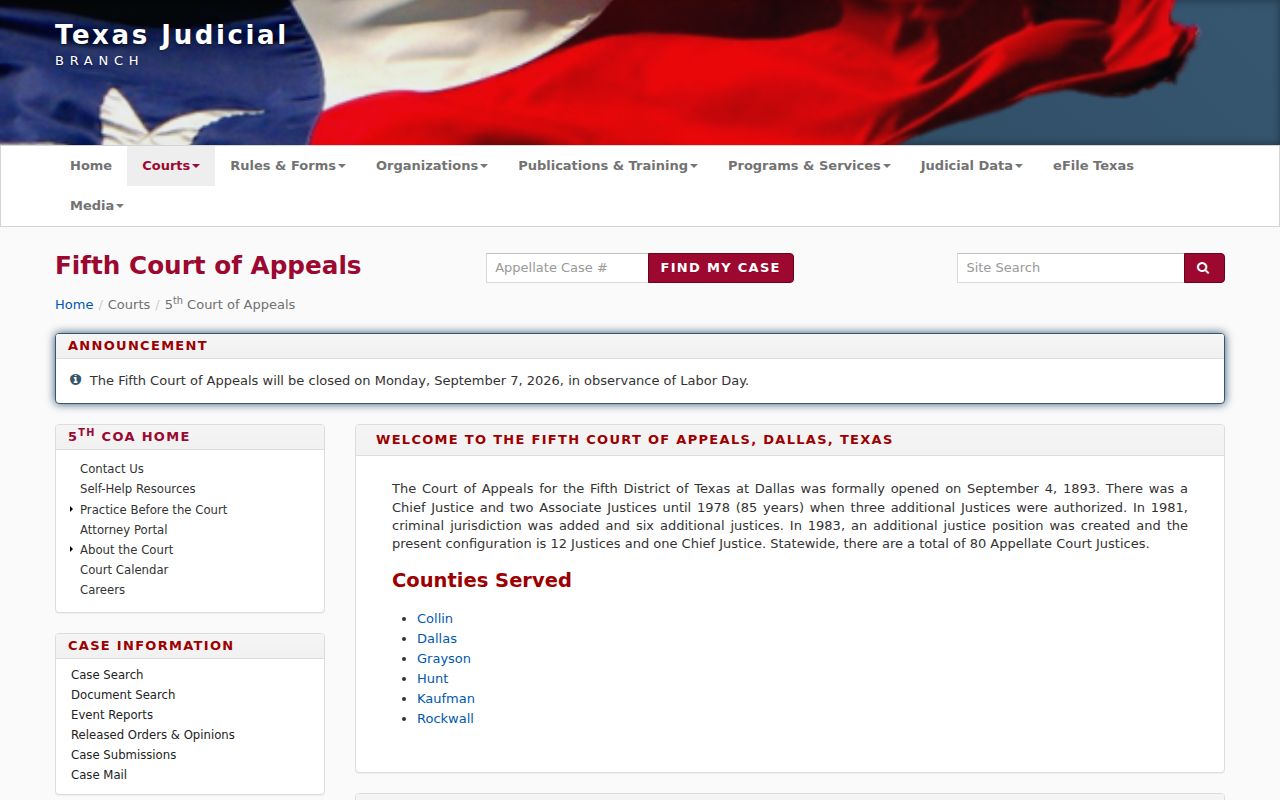
This handoff matters. It keeps the trial docket and the appellate docket from being read as one file.
Sealed Records and Public Access
Many Kaufman County court records are open to inspection, but open does not mean unlimited. Two categories are carved out directly in the County Clerk's public inspection statement. Juvenile records and mental-health records are excluded. Even a public docket entry can sit next to a document you cannot see, because a sealing order, a confidentiality law, a redaction rule, or a restricted account may all limit access to the file itself.
Texas access framework: Texas Rule of Judicial Administration 12 governs requests for judicial administrative records. Filed case records follow court access rules and the custodian's process rather than an automatic Texas Public Information Act route.
Never take a pending file to a judge outside the proper court process. Start with the clerk instead. Describe the record you want with reasonable precision. If access gets denied, ask for the reason in writing. One more caution: a public index entry tells you a case exists, not what a sealed document inside it says. Never use the docket to guess at hidden contents.
Verify Kaufman County Record Results
Check the details before you trust any Kaufman County court record you pull up. Party names repeat across files. A partial online history can point to the wrong case. Match the court name, cause number, filing date, and most recent event against the clerk's own copy. One more caution: a date on the calendar is a setting, not a result. A docket entry describes an order; it is not the signed order itself.
The official page for the office appears in the Kaufman County District Clerk page view.
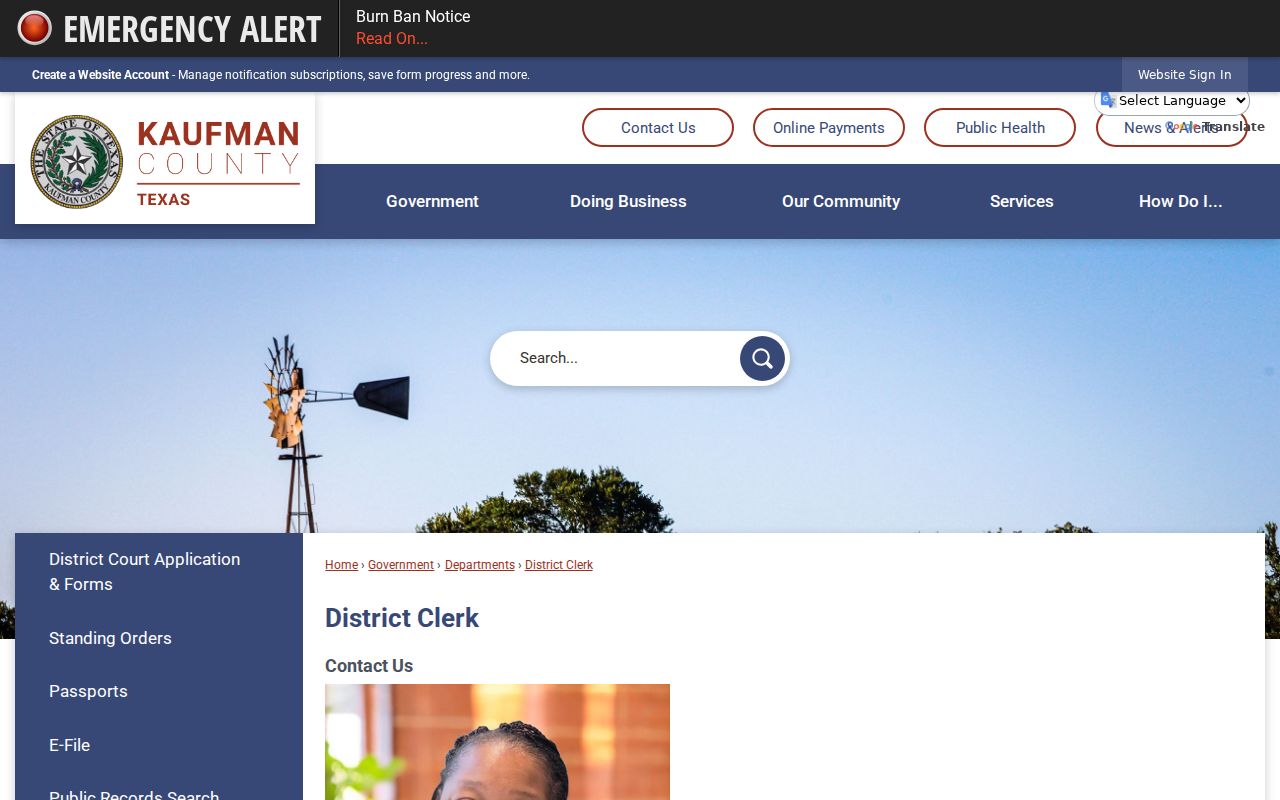
For district-court cases, confirm through that office. If the docket line lists a different court, take the question to the County Clerk or the lower-court clerk instead. Keep every receipt, certification, and reply in one place. When a docket search starts with an online index, jot down the date you checked it, since that note makes a delayed update or a later change much easier to explain.